

Help on your own screen
Watching somebody else's screen at the front of a room only gets you so far. The fix you need is on your screen, in your project, at the point where you got stuck.
So the help comes to your laptop. We look at what you have, work out what went wrong, and you make the change yourself, which is how you remember it the next time it happens.
Common sticking points
- Installing and signing in to the tools your session uses, such as Claude Code, Codex, Antigravity or Grok Build.
- Writing a brief the tools can work from, so what comes back is what you meant.
- Reading an error message and knowing what to ask next.
- Setting up a local AI model that runs on your own machine.
- Putting a project online at a web address of its own.
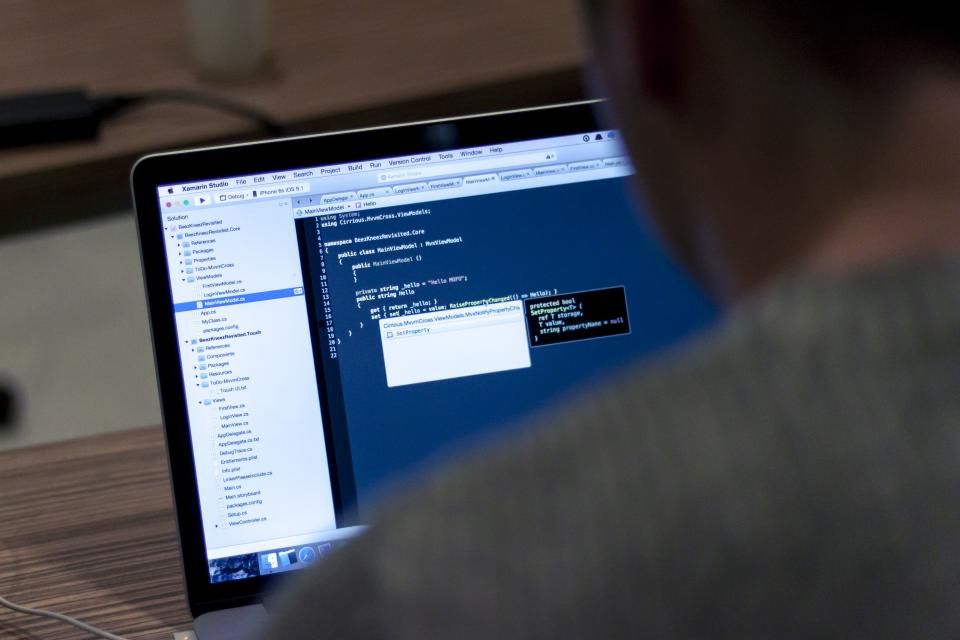
Your laptop, your setup
Everything is set up on your own machine, so it still works when you get home, and a local AI model runs without an internet connection. You leave with the tools installed and a project you know how to change.
If you don't have a laptop, say so when you register. The tools and technologies we teach are listed on The two days, and the booking page shows which ones each cohort uses.